
dynamic content

Any marketer knows the impact personalized email marketing can have on revenue generation. Customers appreciate marketing materials designed specifically around them and their interests. One way this personalized content is made possible is through a critical part of email marketing: dynamic content.

While dynamic content is not difficult, doing it correctly can be complicated. It involves multiple steps and processes that must work together to produce an effective result. Today, we will explore the key steps in the dynamic content creation process and why they are important.

What Does Dynamic Content Look Like?

Simply put, dynamic content refers to a personalized marketing email based on a particular customer’s behavior or attributes. Examples of dynamic content might include:

  • An email reminding customers of forgotten items in their shopping cart, encouraging them to return and complete the purchase. Some businesses may include a discount code or other incentive to return.
  • An alert that a product the customer has previously added to their wish list is on sale (or the sale is ending soon).
  • A message suggesting products related to something the customer has previously purchased. For instance, a customer who just bought a grill might get an email suggesting particular tools or accessories used for outdoor cooking.

dynamic content

Dynamic Content: An Overview

A birds-eye view of creating dynamic content involves these steps:

  1. Creative brief: The process of creating dynamic content starts with a request from a marketer identifying the target audience and the content they want to deliver to that audience. This information is typically documented in a brief, which provides draft content for each recipient.
  2. Content creation: The next step is for copywriters and designers to build the content based on the brief. They create content relevant to each target audience and ensure it meets the brief’s goals.
  3. Coding and data management: Once the content has been created, it is handed over to the production team. They configure the marketing systems with content, configure the rules for use, and ensure it works with the data to achieve the desired results. This step is critical and requires close attention to detail to ensure all instructions are followed correctly.
  4. Testing and quality assurance: Before sending the email, it must be tested to ensure it works as expected. This includes checking for technical issues and ensuring the email meets quality standards.
  5. Previews and feedback: The email must be proofed by the requestor and legal team to ensure that the final product meets all legal and compliance requirements. Previews must be made available to non-technical stakeholders with the power of approval, even if they may not have a technical background.

Understanding Dynamic Content Creation

Creating Dynamic Content is a multi-step process that requires collaboration and communication between multiple teams. But when done correctly, it’s also far from difficult. By following these key steps and ensuring that everyone involved is informed and educated on their responsibilities, you can create dynamic content that delivers the results you want for your email marketing campaigns.

Not sure how to build dynamic content for your email marketing campaigns? We can get you on the right track. Contact our marketing experts and start improving your marketing efforts today.
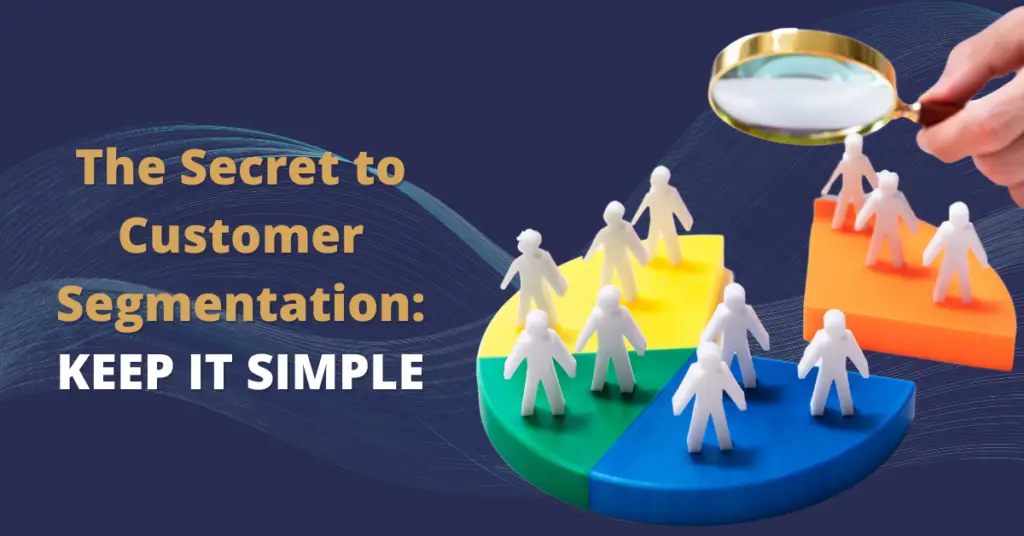


customer segmentation keep it simple

Identical mass marketing emails simply don’t work anymore. Customers want materials that are relevant to them and their interests. Your marketing automation system depends on a robust segmentation strategy to do its best work.

Let’s consider a very basic segmentation: customer vs. prospect. Obviously, there is a critical difference between a person who has purchased from your company and an interested window shopper. This is a very important but easy first segment to add to your system.

Unfortunately, this is where you might start overthinking it.

The Problem

It’s easy to take customer vs. prospect segments and immediately jump to harder tasks. Why not store everything a customer has purchased so you can further segment by product? Maybe a renewal date for a subscription service they’ve purchased? And obviously you want feedback, so why not segment further to send detailed follow-ups or surveys? This thought process can quickly turn the simple act of customer vs. prospect segmentation into something intimidating.

The good news is, you don’t have to get that detailed quite yet. Start with a simple goal and save the additional capabilities for a future project.

Customer Segmentation Can Be Simple

Are you having difficulty getting a list of all your customers into Eloqua? You might have conflated your project scope too quickly.

It’s easy to think that customer segmentation in Eloqua typically involves a long, detailed process:

  • Having meetings to define what a customer is:

    • What if they are really small customers?
    • What if they haven’t been active for several years?
    • What if they are only a service/support customer?

  • Asking sales reps to go through and flag all their customers or which contacts at an account should be considered customers
  • Scrubbing the list of accounts/contacts
  • Creating a complex ERP integration

All of these are good ideas, of course. But you don’t need to worry about them immediately. Spread your more detailed segmentation plans over several incremental updates to avoid overwhelming your team. You can still get excellent value from your simpler segmentation strategy in the meantime.

customer segmentation

A Simpler Approach

Consider taking the simpler approach. Every quarter, ask the accounting department for a list of customer companies. Even if the list is incomplete, you can still easily upload the list to Eloqua and flag the companies as contacts, then set the contacts as customers. And there you have it! You’ve segmented by customer, and all it took was a few hours of work that you’ll repeat every quarter.

As you eventually work your way to a more detailed strategy, consider using the following distinctions for segments:

  • Industry: You can use standard definitions of industries, like the North American Industry Classification System, or create your own categories (e.g., venture-backed enterprise software startup companies founded in the last 24 months).
  • Geography: This might include country, state/province, city, and postal code.
  • Job Level: Different job levels (manager, VP, etc.) will have different interests for you to market to.
  • Job Role: Consider the department your prospects work in (sales, marketing, etc.)
  • Activity: Choose segments based on their engagement with your marketing (e.g., prospects who have attended a webinar).

As you master this basic strategy, you can begin implementing updates over time. Don’t rush—give your team the time they need to adjust to each change.

This article is an excerpt from our ebook, “7 Common Marketing Automation Mistakes & How to Avoid Them”. Download the full ebook for free here.


4Thought Marketing Logo   April 4, 2026 | Page 1 of 1 | https://4thoughtmarketing.com/articles/tag/customer-segmentation/