GDPR for B2B Marketers: What Actually Applies to Your Campaigns
GDPR marketing compliance applies to every B2B campaign targeting EU contacts. Learn lawful bases, data subject rights, and audit steps for your marketing stack.
Software for maximizing your marketing while ensuring privacy compliance
Innovative solutions to do more with Marketing Automation platforms
Centralize Preference Management Across Your Organization
Visual Segmentation for Marketers
Integration solutions for Eloqua, Marketo, CRM, and other systems
Align corporate and marketing goals
Data capture strategy
Lead scoring, nurturing, segmentation strategy, and funnel framework
Measure results and plan improvements
Ensure compliance with privacy laws
Email, form, and landing page execution. Deliverability and reporting
Eloqua and Marketo specialists
Improve skills and increase productivity with custom online training and videos
Uncover opportunities to improve performance and outcomes
Enhance email impact through expert analysis
Platform installation, change management, and success planning
Data management and stewardship
System integration options using connectors and custom APIs
Custom cloud apps, HTML templates,
JavaScript, and responsive email
GDPR marketing compliance applies to every B2B campaign targeting EU contacts. Learn lawful bases, data subject rights, and audit steps for your marketing stack.
Eloqua custom data objects help marketers track repeatable, relational data with more control. This guide explains setup, governance, and practical use cases that improve automation,...
Not sure whether to use the Eloqua campaign canvas or Program Canvas for your next automation? This guide breaks down the key differences, use cases,...
Not sure whether to use a Marketo engagement program or an Email Program for your next campaign? The decision shapes your entire nurture architecture. Here...
Marketo vs Eloqua is not a feature comparison. It is an operational one. Discover how each platform's daily workflow, data structure, and campaign philosophy should...
Stop rebuilding what Eloqua already handles for you. These ten hidden Eloqua features reduce manual work, improve data quality, and create more scalable marketing operations.
Software for maximizing your marketing while ensuring privacy compliance
Innovative solutions to do more with Marketing Automation platforms
Centralize Preference Management Across Your Organization
Visual Segmentation for Marketers
Integration solutions for Eloqua, Marketo, CRM, and other systems
Align corporate and marketing goals
Data capture strategy
Lead scoring, nurturing, segmentation strategy, and funnel framework
Measure results and plan improvements
Ensure compliance with privacy laws
Email, form, and landing page execution. Deliverability and reporting
Eloqua and Marketo specialists
Improve skills and increase productivity with custom online training and videos
Uncover opportunities to improve performance and outcomes
Enhance email impact through expert analysis
Platform installation, change management, and success planning
Data management and stewardship
System integration options using connectors and custom APIs
Custom cloud apps, HTML templates,
JavaScript, and responsive email
GDPR marketing compliance applies to every B2B campaign targeting EU contacts. Learn lawful bases, data subject rights, and audit steps for your marketing stack.
Eloqua custom data objects help marketers track repeatable, relational data with more control. This guide explains setup, governance, and practical use cases that improve automation,...
Not sure whether to use the Eloqua campaign canvas or Program Canvas for your next automation? This guide breaks down the key differences, use cases,...
Not sure whether to use a Marketo engagement program or an Email Program for your next campaign? The decision shapes your entire nurture architecture. Here...
Marketo vs Eloqua is not a feature comparison. It is an operational one. Discover how each platform's daily workflow, data structure, and campaign philosophy should...
Stop rebuilding what Eloqua already handles for you. These ten hidden Eloqua features reduce manual work, improve data quality, and create more scalable marketing operations.
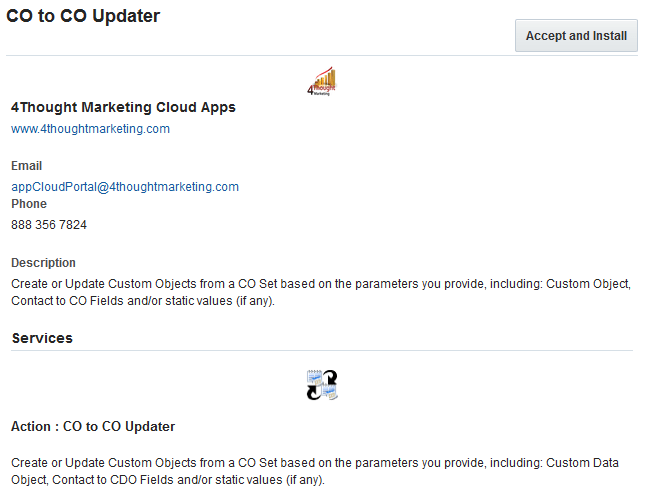
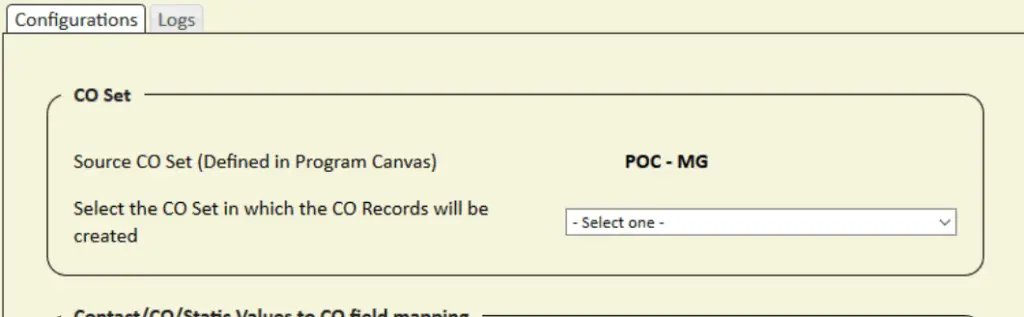
There are situations where you need to update or create Custom Object (CO) Records with the information of another CO Set. This step is not possible to do using Oracle Eloqua’s out of the box features. This is where this cloud action comes into play. With CO to CO Updater, you can create or update CO Records using another CO’s data and static values.
This document will show how this Cloud Action can be used inside Program Canvas for Custom Objects.
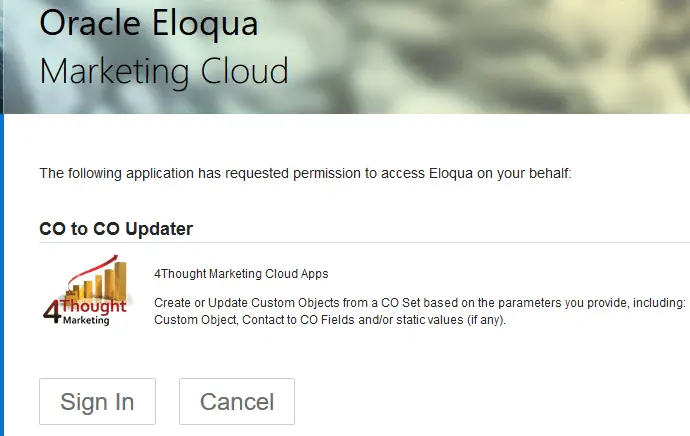
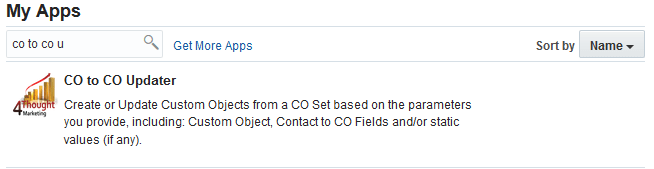
Please follow these instructions to set up this cloud app in your Oracle Eloqua instance.
NOTE: If prompted to log again, please do so.
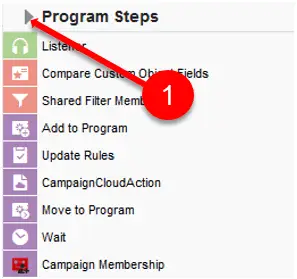
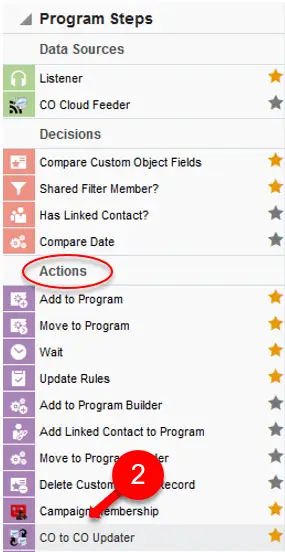
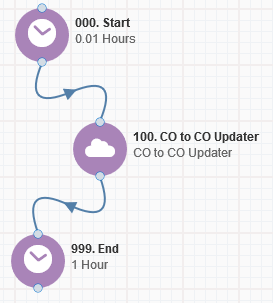
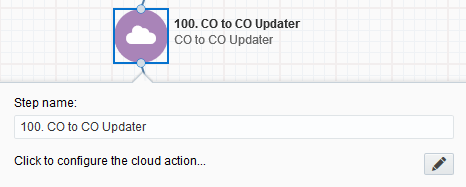
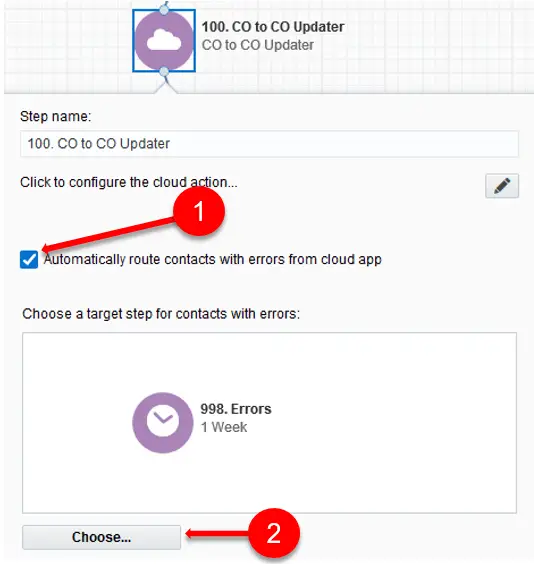
The following instructions show a basic/simple usage. You can incorporate this Cloud Action to any existing Program Canvas for Custom Objects.
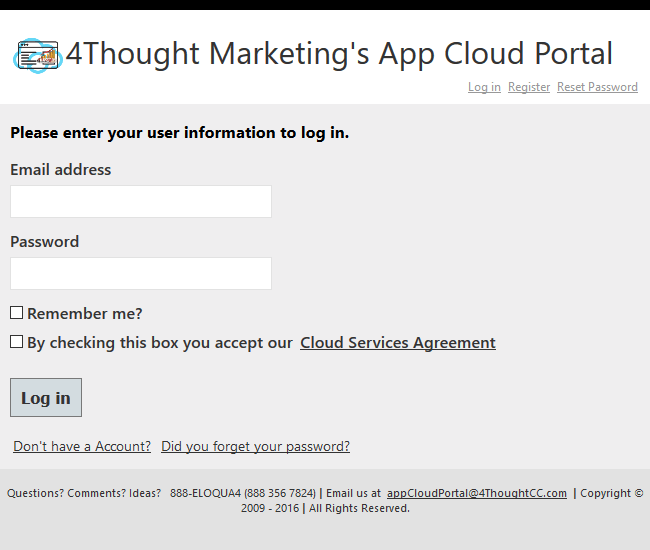
You will need a user to log in and configure this Cloud Action. If you don’t have one, you can create one. If you do, use your user to Log In in the page shown in the following screenshot:
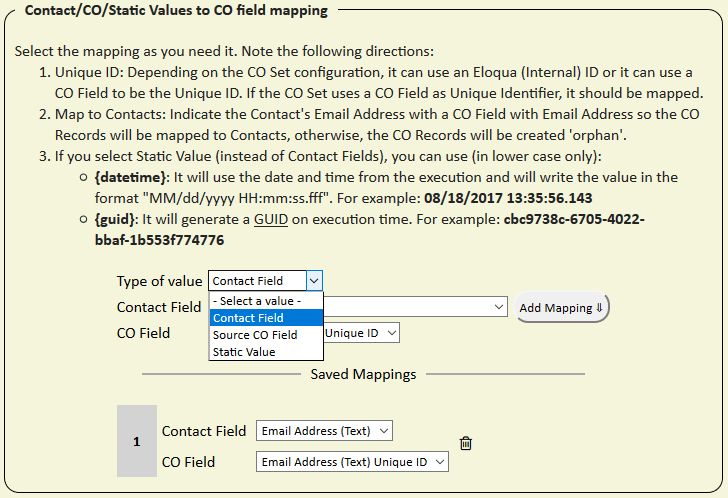
A required field mapping is the destination CO’s unique identifier. This field is easily identified because it has the words “Unique ID” after the field name and type. If this field is not specified in the mapping then an error will be thrown and the configuration won’t be saved.
You can add as many mappings as CO fields available on the destination CO. If you want to delete a mapping, you can click on the trash bin icon on the right.
You need a license to configure and execute this Cloud App. If you don’t have a license, an error message will appear on the configuration page.
If you don’t see CO Records being processed by the app, it may be because your license is missing or expired. To obtain a license, contact your account manager or contact us.