The Curious Creature Called AI
AI enters the marketing team not with disruption but quiet wonder, helping people align through curiosity, shared learning, and a more intuitive partnership between human...
Software for maximizing your marketing while ensuring privacy compliance
Innovative solutions to do more with Marketing Automation platforms
Visual Segmentation for Marketers
Integration solutions for Eloqua, Marketo, CRM, and other systems
Align corporate and marketing goals
Data capture strategy
Lead scoring, nurturing, segmentation strategy, and funnel framework
Measure results and plan improvements
Ensure compliance with privacy laws
Email, form, and landing page execution. Deliverability and reporting
Eloqua and Marketo specialists
Improve skills and increase productivity with custom online training and videos
Uncover opportunities to improve performance and outcomes
Enhance email impact through expert analysis
Platform installation, change management, and success planning
Data management and stewardship
System integration options using connectors and custom APIs
Custom cloud apps, HTML templates,
JavaScript, and responsive email
AI enters the marketing team not with disruption but quiet wonder, helping people align through curiosity, shared learning, and a more intuitive partnership between human...
Oracle Eloqua custom objects support flexible data structures that enhance segmentation, personalization, and automation by enabling teams to manage updates, transformations, and synchronized workflows across...
Discover how AI for marketing automation planning transforms vague goals into structured strategies through meta-prompting, recursive questioning, and template-driven frameworks that move beyond generic outputs.
Discover how Marketo's AI-powered Image to Template feature instantly transforms any design into editable email templates, removing coding delays with the Marketo image to email...
Master the Eloqua Design Editor to create professional, responsive email campaigns without coding. Learn essential features, optimization strategies, and best practices for email marketing automation...
Learn how growth driven marketing operations empower teams to connect strategy, technology, and outcomes for 2026 success, driving revenue, operational efficiency, and sustainable business performance.
Software for maximizing your marketing while ensuring privacy compliance
Innovative solutions to do more with Marketing Automation platforms
Visual Segmentation for Marketers
Integration solutions for Eloqua, Marketo, CRM, and other systems
Align corporate and marketing goals
Data capture strategy
Lead scoring, nurturing, segmentation strategy, and funnel framework
Measure results and plan improvements
Ensure compliance with privacy laws
Email, form, and landing page execution. Deliverability and reporting
Eloqua and Marketo specialists
Improve skills and increase productivity with custom online training and videos
Uncover opportunities to improve performance and outcomes
Enhance email impact through expert analysis
Platform installation, change management, and success planning
Data management and stewardship
System integration options using connectors and custom APIs
Custom cloud apps, HTML templates,
JavaScript, and responsive email
AI enters the marketing team not with disruption but quiet wonder, helping people align through curiosity, shared learning, and a more intuitive partnership between human...
Oracle Eloqua custom objects support flexible data structures that enhance segmentation, personalization, and automation by enabling teams to manage updates, transformations, and synchronized workflows across...
Discover how AI for marketing automation planning transforms vague goals into structured strategies through meta-prompting, recursive questioning, and template-driven frameworks that move beyond generic outputs.
Discover how Marketo's AI-powered Image to Template feature instantly transforms any design into editable email templates, removing coding delays with the Marketo image to email...
Master the Eloqua Design Editor to create professional, responsive email campaigns without coding. Learn essential features, optimization strategies, and best practices for email marketing automation...
Learn how growth driven marketing operations empower teams to connect strategy, technology, and outcomes for 2026 success, driving revenue, operational efficiency, and sustainable business performance.
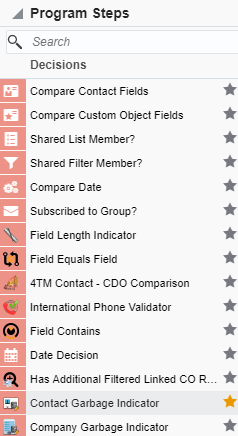
There are situations where the values of certain fields have some garbage strings. This is where this Cloud Decision comes into play. With Contact Garbage Indicator Cloud Decision, you can identify the garbage values in the Contact fields using your own standard or a general garbage list.
This Cloud Decision Determines if a Contact field contains any string of characters that you have determined is garbage data (e.g. “asdf” or “xxxx”), and if so, allows you to take whatever action you feel is appropriate.
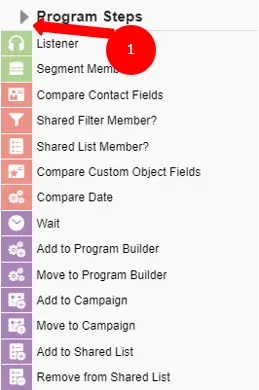
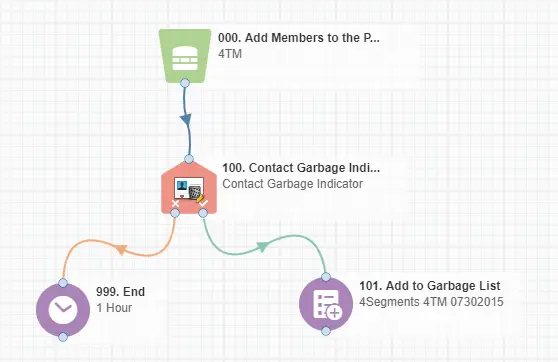
This document will show how this Cloud Decision can be used inside Campaign/Program Canvas.
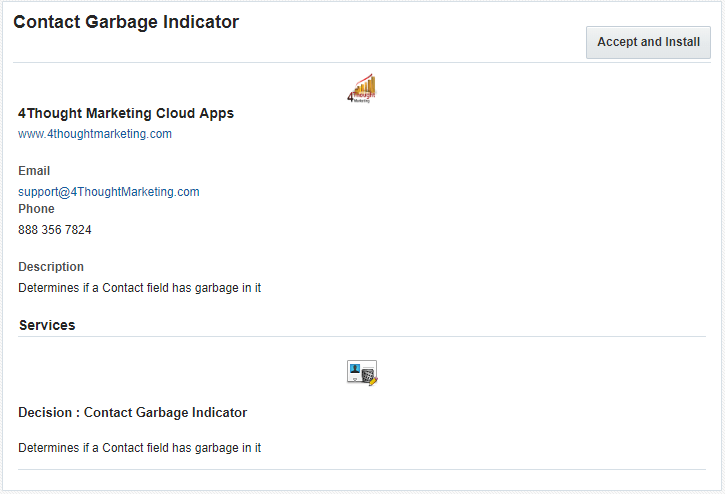
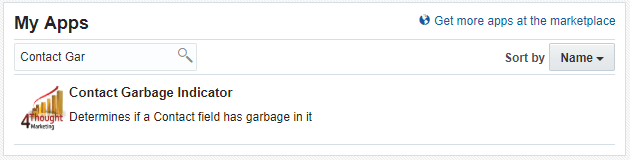
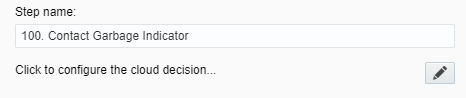
Please follow these instructions to set-up this cloud app in your Oracle Eloqua instance.
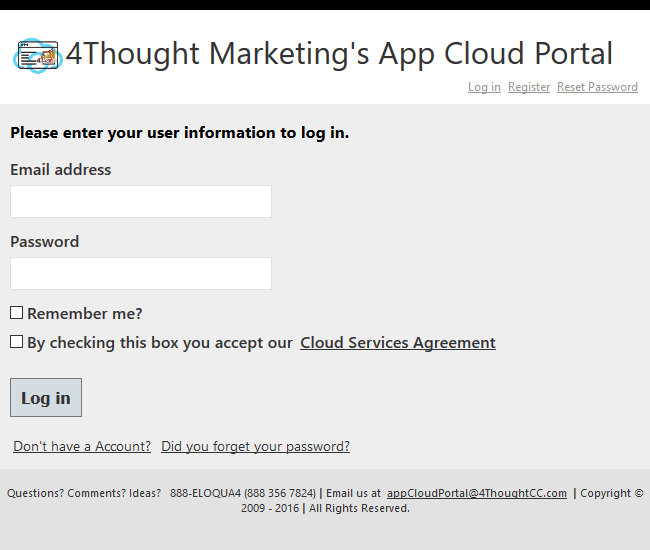
NOTE: If prompted to log again, please do so.
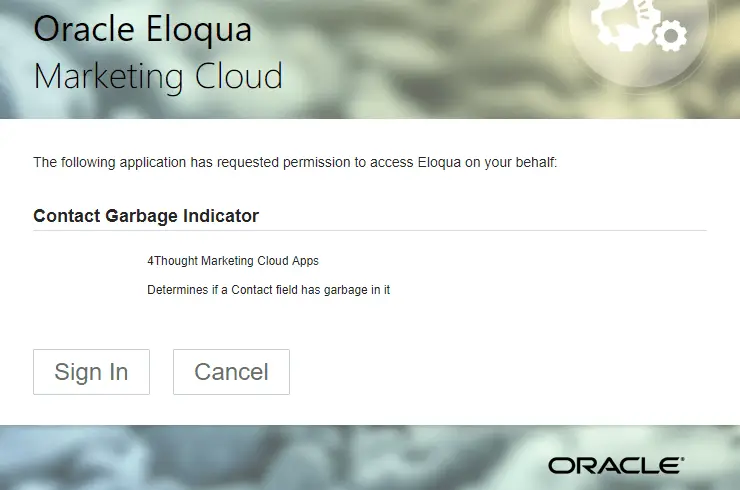
In the next screen, click “Sign In” and then “Accept”
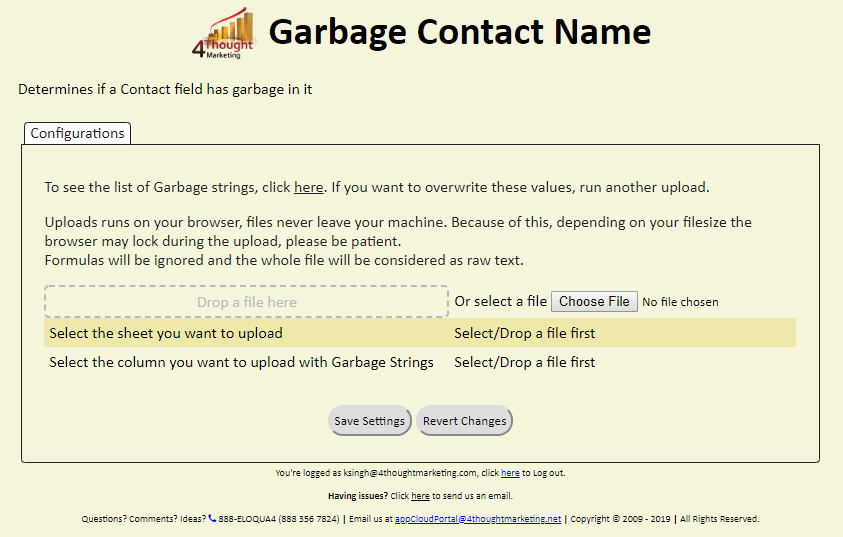
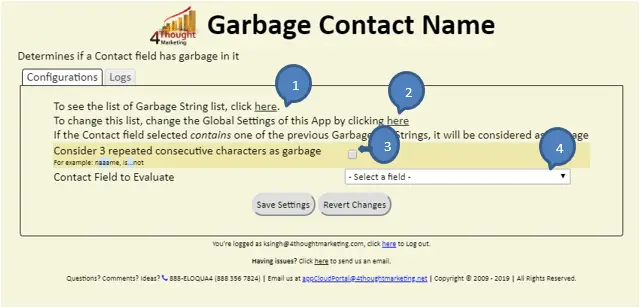
This app requires 2 types of configuration, one is the general configuration and the other one an app specific configuration. The following instructions show a basic/simple usage.
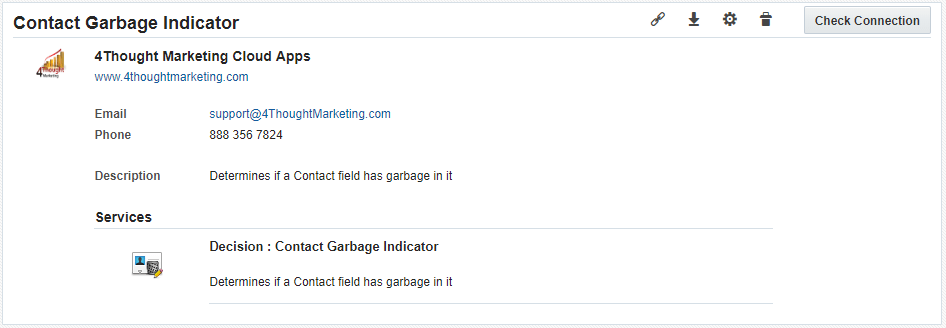
On the next section, locate the gear icon and click it. This will open a new window with the general configuration.
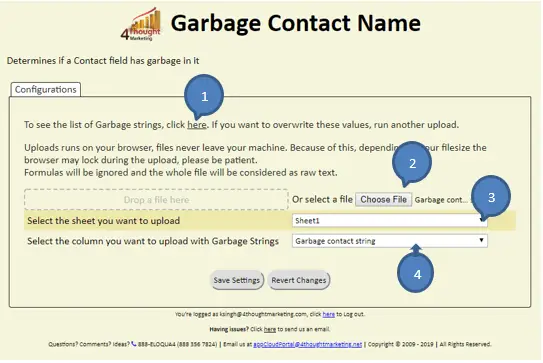
This file can be directly dropped into given area (Dashed box “Drop a file here”) or file can be selected from the local machine by clicking on “Choose File” button and you need to choose sheet from the file which have the garbage string column.
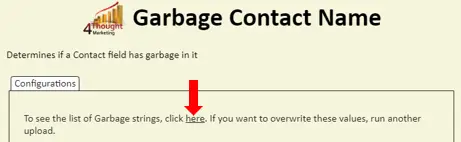
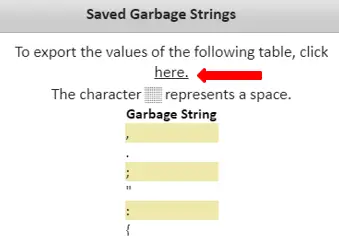
You can add, remove or view the table saved on the system. This table is the one that is going to be used in the app.
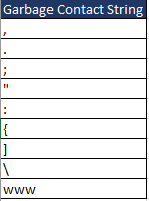
(You can upload the Custom list with the garbage strings. You can upload an Excel file or a CSV by searching for it on your computer or by dragging and dropping the file into the dashed box in the page. This list needs to have 1 column: Garbage Strings.
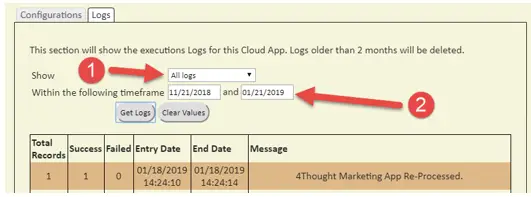
Note: You can view up to 2 months of logs
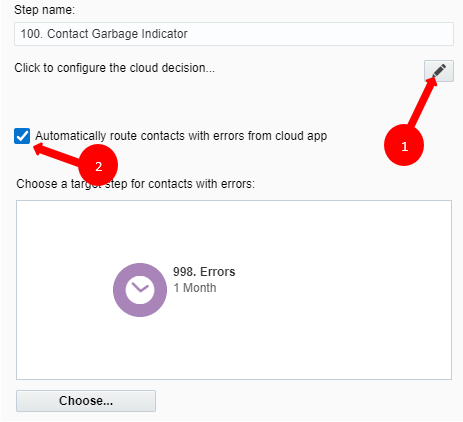
Select the Step where you want the contacts to be routed.
That’s all. Activate the campaign or program, put some Contacts in it and see the Contact Garbage Indicator in action!
Note: Most 4Thought Marketing apps use the Eloqua BULK API to export/import records, therefore when an app is used in a campaign or program the user that activates the campaign should have the following permissions:
You need a license to configure and execute this Cloud App. If you don’t have a license, an error message will appear on the configuration page.
If you don’t see CO Records being processed by the app, it may be because your license is missing or expired. To obtain a license, contact your account manager or contact us.