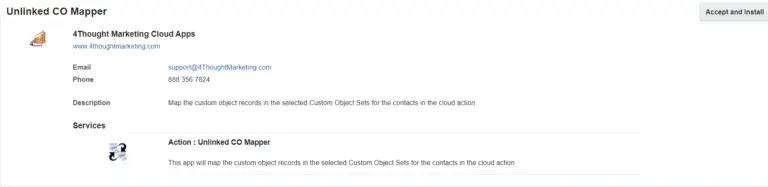
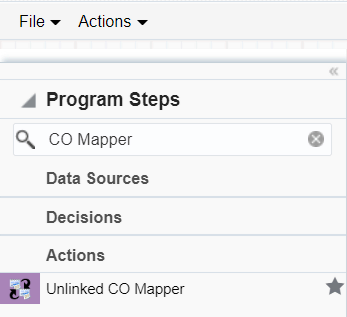
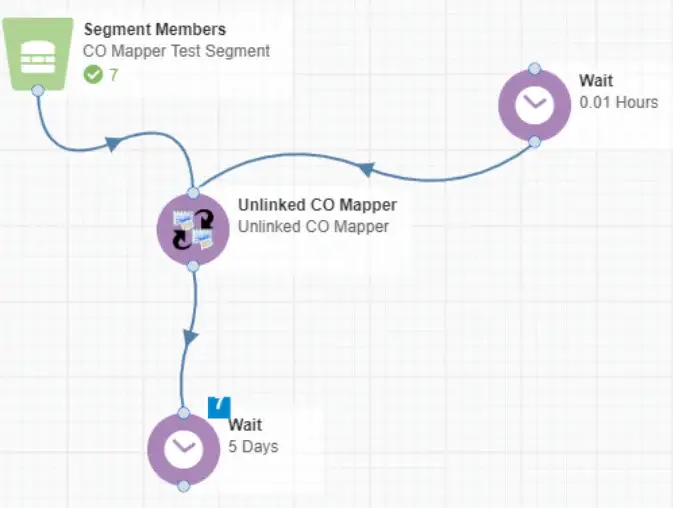
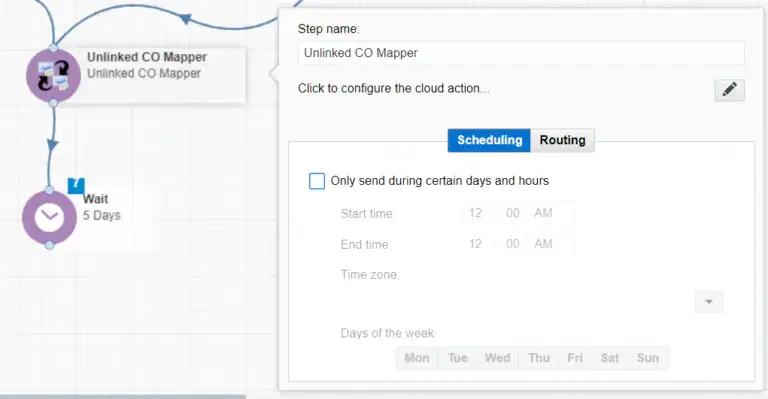
The Unlinked CO Mapper cloud app locates orphaned custom object records, searches for matching contact records using the email address field, and then maps the CO to the contact record. Below are instructions for using the Cloud Action inside either the Campaign or Program Canvas.
Click the pencil icon to open the settings for this step.
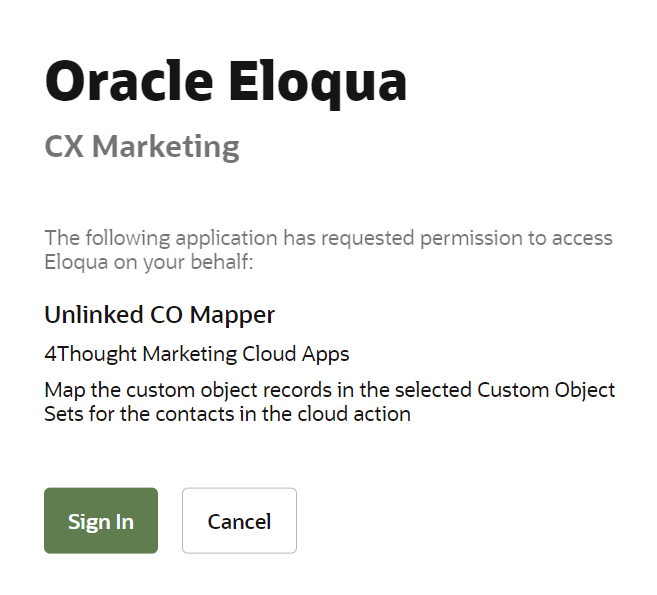
You will need a user ID to log in and configure this Cloud Action. If you don’t have one, you can create one.
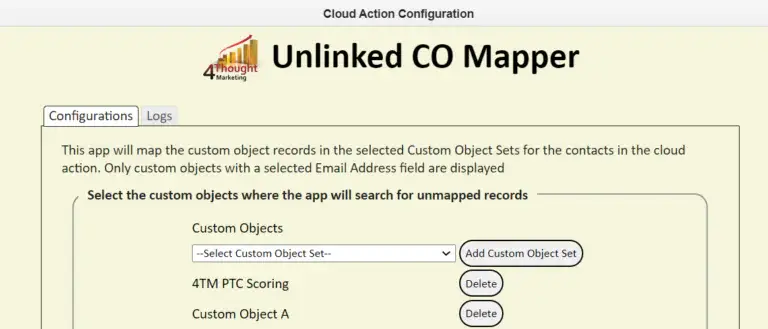
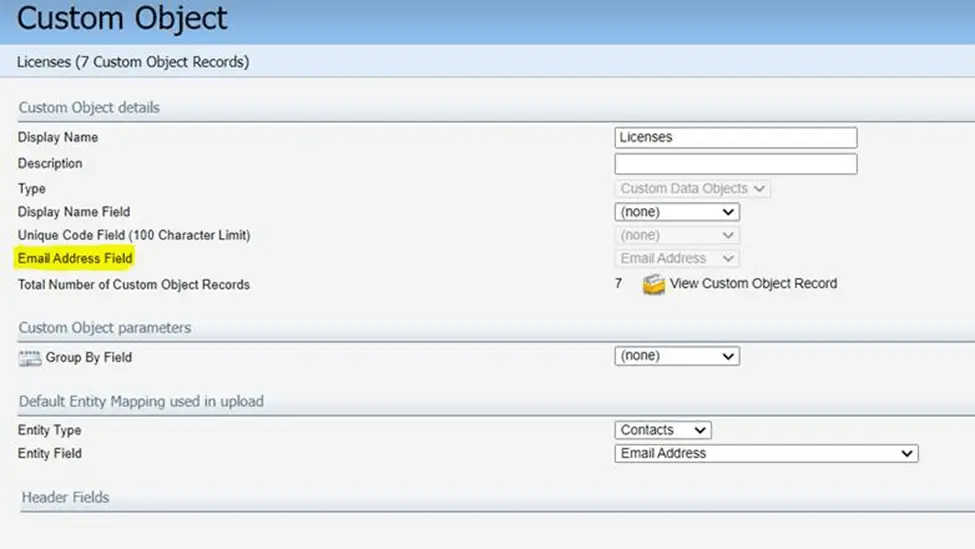
Under the configuration tab users can select the Custom Object sets where the app will search for custom object records mapped to the contacts in the step. The App will show all Custom Objects with a field for ‘Email Address’. This will be used to do the mapping to contacts in the program.
You need a license to configure and execute this Cloud App. If you don’t have a license, an error message will appear on the configuration page.
If you don’t see CO Records being processed by the app, it may be because your license is missing or expired. To obtain a license, contact your account manager or contact us.
- Each Eloqua instance requires a separate cloud app license.
- Each cloud app license includes a reasonable usage limitation of 250k records processed daily and up to 5 app instantiations per Eloqua instance. Higher usage tiers are available at extra cost.
- For additional license details, please review the Cloud Services User License Agreement.