





Quick Takeaways
- Eloqua AI asset cleanup starts with an inventory, not deletion.
- AI groups assets by name and flags inactive ones fast.
- Asset metadata is enough; never paste contact data into AI.
- Eloqua blocks deleting landing pages that live campaigns still use.
- Archive emails and forms first; you can unarchive them later.
- A named person approves every retirement before anything moves.
Table of Contents
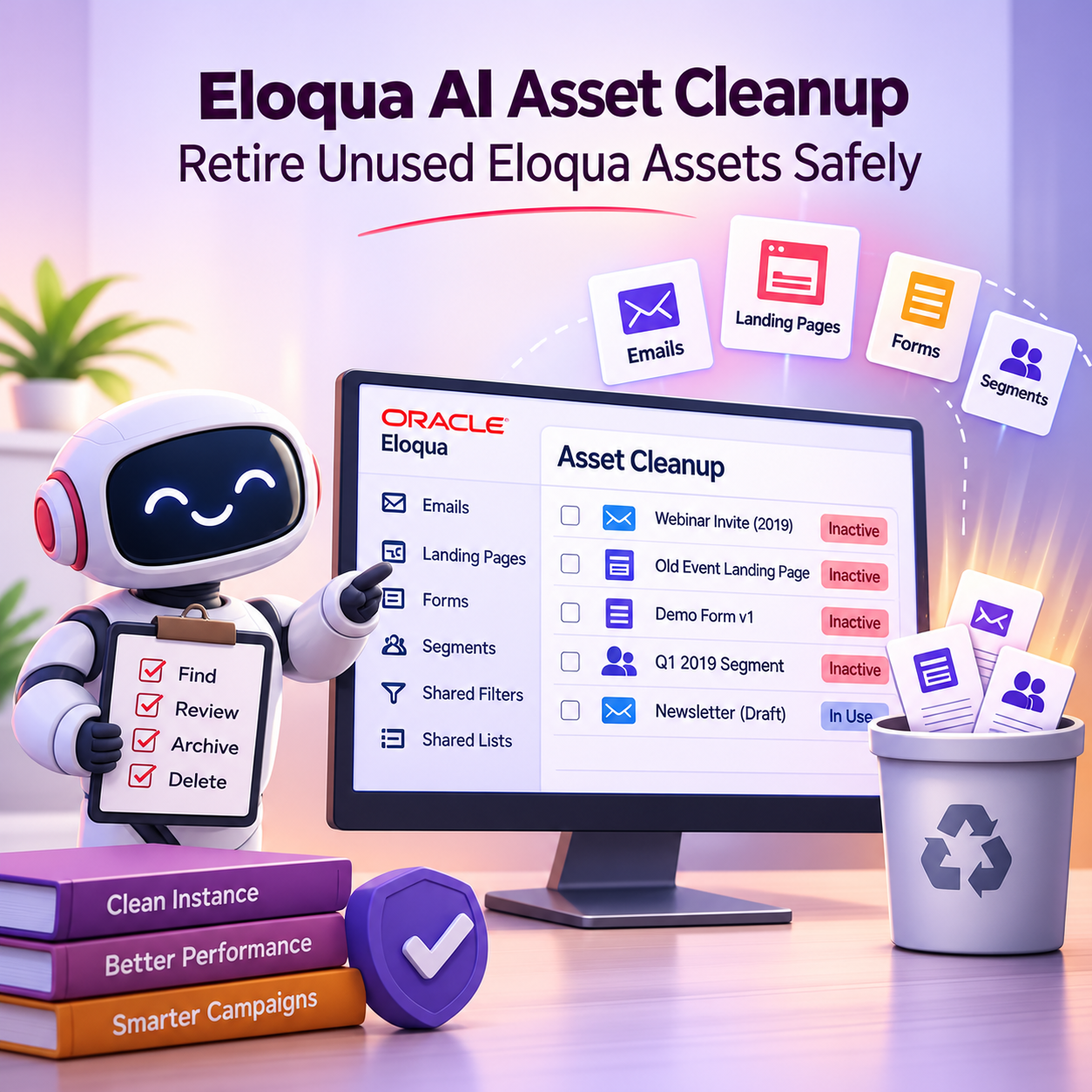
Somewhere in your Eloqua instance, a builder is about to clone last year’s webinar email because it was the first result search returned. An Eloqua AI asset cleanup stops that from happening by finding the emails, landing pages, forms, and segments nobody uses anymore, before someone reuses them by mistake.
Every campaign leaves assets behind, and after a few years the old ones outnumber the live ones. But cleanup is the job everyone postpones, because sorting thousands of assets by hand is slow, and deleting the wrong one can break a campaign that is still running.
This guide shows how to let AI do the slow sorting while your team keeps the risky decisions: how to build an inventory AI can read, how to check what each asset is connected to, and how to choose between archiving, hiding, and deleting.
What an Eloqua AI Asset Cleanup Is, and What It Is Not
An Eloqua AI asset cleanup is a recurring review in which an AI assistant sorts your asset inventory, groups related items, and drafts a list of retirement candidates, while a person checks dependencies and approves every change. AI does the sorting. People make the decisions.
It is the detailed version of the cleanup step in the guide to where AI belongs in your Eloqua and Marketo campaign workflow. That overview explains why cleanup has to keep pace with faster production. This article covers how to run it.
What it covers: Emails, landing pages, forms, segments, shared filters, and shared lists that no live campaign or program needs.
What it does not cover: Contact records. Duplicate contacts, bad field values, and stale records are a separate job, handled by the practices in Eloqua data hygiene best practices. Mixing the two in one project slows both down.
Why Unused Eloqua Assets Are a Risk, Not Just Clutter
Unused assets cost you more than search time. Each one is another chance for someone to pick the wrong version.
Outdated content gets reused: A builder clones an old email with last year’s offer, an outdated legal footer, or a retired logo, and nobody notices until it sends.
Old pages stay reachable: A landing page from a finished event still loads for anyone who has the link, including visitors arriving from old emails that are still sitting in inboxes.
Search gets slower: When ten forms share a similar name, people stop searching and start building new ones, which makes the problem worse.
Asset growth also adds to the load on your platform. This guide to marketing automation capacity planning before you hit platform limits explains why asset standards matter as your instance scales. Keeping Eloqua instance health steady means retiring assets about as fast as you create them.
Step 1: Build an Asset Inventory AI Can Read
AI can only judge what you hand it, so the first step of an Eloqua AI asset cleanup is an inventory, not a prompt. Export a list of each asset type from your instance and combine the lists into one spreadsheet.
For every asset: Name, asset type, folder path, owner or creator, created date, and last modified date.
Activity data: The most recent sign that the asset is in use, such as the last email send, the last form submission, or the last landing page visit, taken from your Eloqua reports.
Campaign status: Whether the asset sits in an active, scheduled, or completed campaign, where you can capture it.
Keep contact-level data out of this file entirely. Asset names, dates, and folder paths are all the AI needs, and none of them identify a person. The review areas in Oracle Eloqua health checks for optimal performance are a useful guide to what else is worth recording while you are in there.
Step 2: Let AI Group Assets and Flag Retirement Candidates
With the inventory in hand, AI takes on the work that would take a person days. This is the heart of an Eloqua AI asset cleanup: reading thousands of rows and spotting patterns. Ask the AI for three outputs.
Group by Naming Pattern
Ask the AI to cluster assets by naming pattern, so every version of a recurring webinar series or quarterly newsletter sits together. Consistent names make this far more accurate, which is one reason marketing asset naming conventions pay off long after an asset is built. Where names are inconsistent, ask the AI to flag likely duplicates, such as “Webinar_Invite_v2” and “Webinar Invite FINAL”.
Flag Assets With No Recent Activity
Agree on a threshold as a team, such as no sends, submissions, or visits in 12 months, and ask the AI to flag every asset past it. Then ask it to separate truly inactive assets from ones that are simply old but still used, like an always-on contact form.
Draft a Retirement List With Reasons
Finally, ask for a draft retirement list: one row per asset, a recommended action, and a one-line reason. “Archive: last send March 2025, replaced by the Q3 version” is a reason a reviewer can check in seconds. Treat this list as a proposal for people to review, never as an instruction to act on.
This is where AI saves the most time in an Eloqua unused assets cleanup: it turns a spreadsheet nobody wants to read into a short list someone can approve.
Step 3: Check Eloqua Asset Dependencies Before Anything Moves
An asset with no recent activity can still be in use. Dependencies show what else relies on an asset, such as a campaign, a program, or another segment, and checking Eloqua asset dependencies is the one step AI cannot do from a spreadsheet.
Landing pages: Eloqua will not delete a landing page that has dependencies, for example one that is active and being used in a campaign, and it shows those dependencies when you try. Oracle’s guide to deleting landing pages in Eloqua covers the steps.
Segments: A segment cannot be deleted until all of its dependencies are resolved. Open the Actions menu and choose View Dependencies to see where it is used. Deleting a segment does not delete the shared filters or shared lists it uses, but it does delete its quicklists.
Treat a blocked deletion as a warning to read, not an obstacle to work around. If something still depends on an asset, the asset is not unused yet, whatever the activity data says.
Some dependencies are harder to see than others. The Eloqua Office Hours session on removing dependencies walks through one example: contact fields that Eloqua will not let you delete because saved bulk exports still reference them, and a gated workflow for clearing those exports safely.
Step 4: Choose the Right Exit for Each Asset
Deletion is only one of three ways to retire an asset, and it should be the last one you reach for.
Archive Emails and Forms First
Eloqua lets you archive emails and forms, and Oracle’s guide to archiving assets in Eloqua explains what changes. An archived asset keeps functioning, so an archived form still accepts submissions, but it no longer appears in regular search or the asset choosers, and it cannot be added to a new campaign or asset. It also cannot be edited, copied, or renamed until someone unarchives it.
In Eloqua, archiving is the safest first exit for an unused email or form: the asset keeps working, drops out of everyday view, and can be unarchived later if someone needs it back. One caution for emails: a user with a direct link to an archived email cannot send it, so confirm nothing still planned relies on it.
Hide Landing Pages You Are Not Ready to Delete
Landing pages cannot be archived yet. Instead, Oracle notes that you can change a page’s visibility to prevent it from being accessed, which closes an old event page to visitors without deleting it.
Delete Last, and Treat It as Permanent
Delete only assets that have cleared the dependency check, spent a review period archived or hidden, and been approved by a named person. Once a landing page is deleted, it can no longer be used in a campaign and its URL no longer loads. Plan every deletion as if it cannot be undone, and keep a record of what you removed and why.
Step 5: Keep a Person on Every Retirement Decision
AI drafts the retirement list. A person approves it, line by line, before anything is archived, hidden, or deleted.
Who approves: The asset’s owner where you can identify one, and a marketing ops lead for anything shared across teams, such as a shared filter that many segments rely on.
Who acts: In Eloqua, any user with the delete permission for an asset can also archive or unarchive it, so limit that permission to the people who run the cleanup.
What gets recorded: The approved list, the action taken, and the date. Eloqua’s audit log records who archived or unarchived an asset, but your own record should also capture the reason.
Do not give an AI tool or agent direct permission to archive or delete assets in your instance. If your team is testing agents that act inside Eloqua, set the boundaries first, as covered in governing AI agents that touch Eloqua’s customer data.
Run this way, the process lets you retire unused Eloqua assets after hours of review rather than weeks of sorting, without handing an irreversible decision to a tool.
How Often to Run an Eloqua AI Asset Cleanup
Run an Eloqua AI asset cleanup every quarter, plus a lighter pass after any large campaign or event ends. A quarterly rhythm keeps the inventory small enough that each review takes an afternoon, not a project.
Tie the cleanup to your wider audit cycle. A regular Eloqua health check gives you the framework for reviewing the whole instance, and asset retirement becomes one standing item within it. Reuse the same inventory template and prompts each quarter so results stay comparable, and an Eloqua asset cleanup never turns into an annual emergency.
Conclusion
Unused assets are not harmless clutter. They are the wrong versions waiting to be reused. An Eloqua AI asset cleanup lets AI do the slow sorting, grouping, and flagging, while your team checks dependencies, chooses archive or hide before delete, and approves every retirement. Start with one asset type, such as emails, run the process once, and then repeat it every quarter. To build this into your campaign operations, explore 4Thought Marketing Campaign Services or contact us.
About 4Thought Marketing
We're a B2B marketing automation and AI consultancy with a thing for getting complex tech to actually work. Since 2008, we've helped hundreds of organizations across financial services, technology, manufacturing, and real estate get more from Eloqua, Marketo, and their CRM integrations. We serve our clients across marketing automation strategy, lead lifecycle, AI, compliance, preference management, and more. Explore our services or get in touch.
Frequently Asked Questions
What is an Eloqua AI asset cleanup?
An Eloqua AI asset cleanup is a recurring review in which AI sorts your asset inventory, groups related items, and drafts a list of retirement candidates. A person then checks each asset’s dependencies and approves every change. It covers emails, landing pages, forms, segments, shared filters, and shared lists, not contact records.
Can AI delete unused assets in Eloqua for me?
It should not. Use AI to sort the inventory and draft a retirement list, then have a person check dependencies and carry out each approved action. Keep archive and delete permissions limited to the people who run the cleanup.
What is the difference between archiving and deleting in Eloqua?
An archived asset keeps working but drops out of regular search and the asset choosers, and you can unarchive it later. Today, only emails and forms can be archived. Deleting removes the asset, so treat it as permanent and use it last.
Why won’t Eloqua let me delete a landing page?
Eloqua blocks deletion when a landing page has dependencies, for example when it is active and being used in a campaign, and it shows those dependencies when you try. Resolve them first, or change the page’s visibility if you only need to stop people reaching it.
What data should I give AI for an asset cleanup?
Asset names, types, folder paths, owners, created and last modified dates, and the latest activity, such as the last send or last submission. Never include contact-level data. Asset metadata is enough for AI to group assets and flag inactive ones.
How often should we clean up unused Eloqua assets?
Quarterly works for most teams, with a lighter pass after large campaigns or events end. Running the Eloqua AI asset cleanup on a fixed schedule keeps each review small and keeps Eloqua instance health part of your regular audit rather than a one-off project.